

- 9 steps to get your website on Google
- 1. Submit Your Website to Google Search
- 2. Decide What Content Google Can Index
- 3. Target the Right Keywords
- 4. Fine-Tune Your Meta Tags
- 5. Ensure Mobile-Friendly Design
- 6. Highlight Your Local Presence
- 7. Build Quality Backlinks
- 8. Strengthen Your Internal Link Structure
- 9. Improve Site Speed and User Experience for Better Indexing
- How much time does it take for Google to index a page?
- Get Your Website on Google with Renaissance Marketing
- Frequently Asked Questions: Getting Your Website on Google
- Do I need to submit my website to Google manually?
- How can I rank my website on the first page of Google search results?
- Why isn’t my content-rich, online-only business appearing in Google searches?
- How does schema markup impact search engine optimization (SEO)?
- What are the free options for publishing a website online?
“How do I get my website on Google?” is one of the most common basic questions for businesses growing their online presence. Whether you run a local business in Tampa, a national e-commerce store, or a personal blog, showing up in Google search is critical for visibility and growth.
The good news is you don’t need to be a developer or SEO pro to get started. These nine steps will walk you through exactly how to get your site indexed by Google and ready to attract clicks.
9 steps to get your website on Google
1. Submit Your Website to Google Search
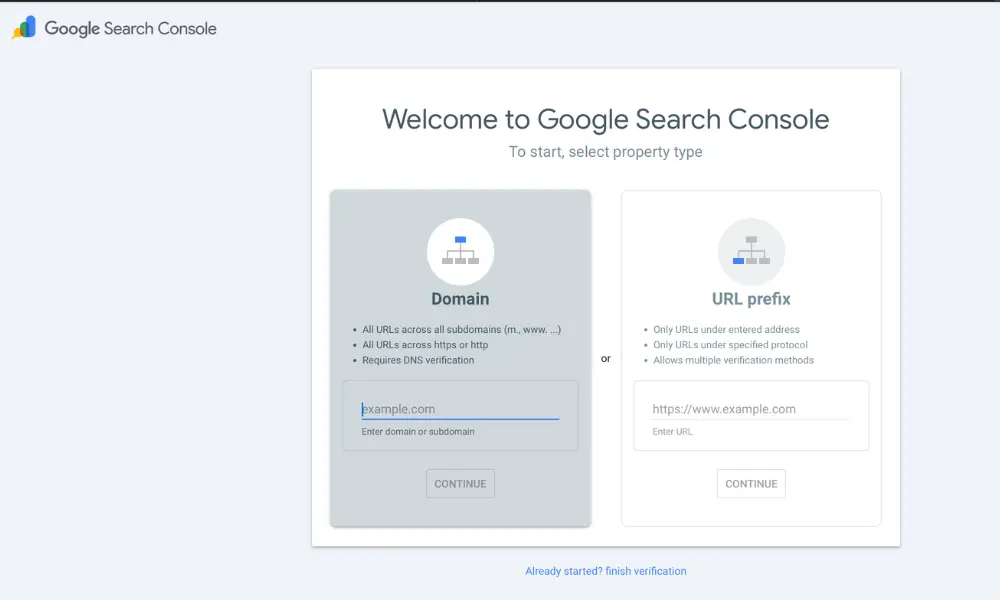
Start by submitting your website to Google Search Console. This free tool allows you to verify ownership and submit your sitemap, which helps Google find and crawl your pages faster.
Tip: Use a clear, up-to-date sitemap that includes your most valuable content, like home, services, product pages, and blog posts.
2. Decide What Content Google Can Index
Not every page on your site should appear in search results. Use your robots.txt file or “noindex” tags to block Google from crawling pages like admin dashboards, thank-you pages, or password-protected content.
A clean index ensures that Google focuses on the pages that matter.
3. Target the Right Keywords
Google matches user searches with relevant content. To show up for the right terms, you need to use the same language your audience is using.
Use keyword research tools such as Google Keyword Planner, Ubersuggest, or Ahrefs. Focus on keywords that match your products, services, or content themes. Long-tail phrases like “how to get my website on Google fast” are especially useful.
4. Fine-Tune Your Meta Tags
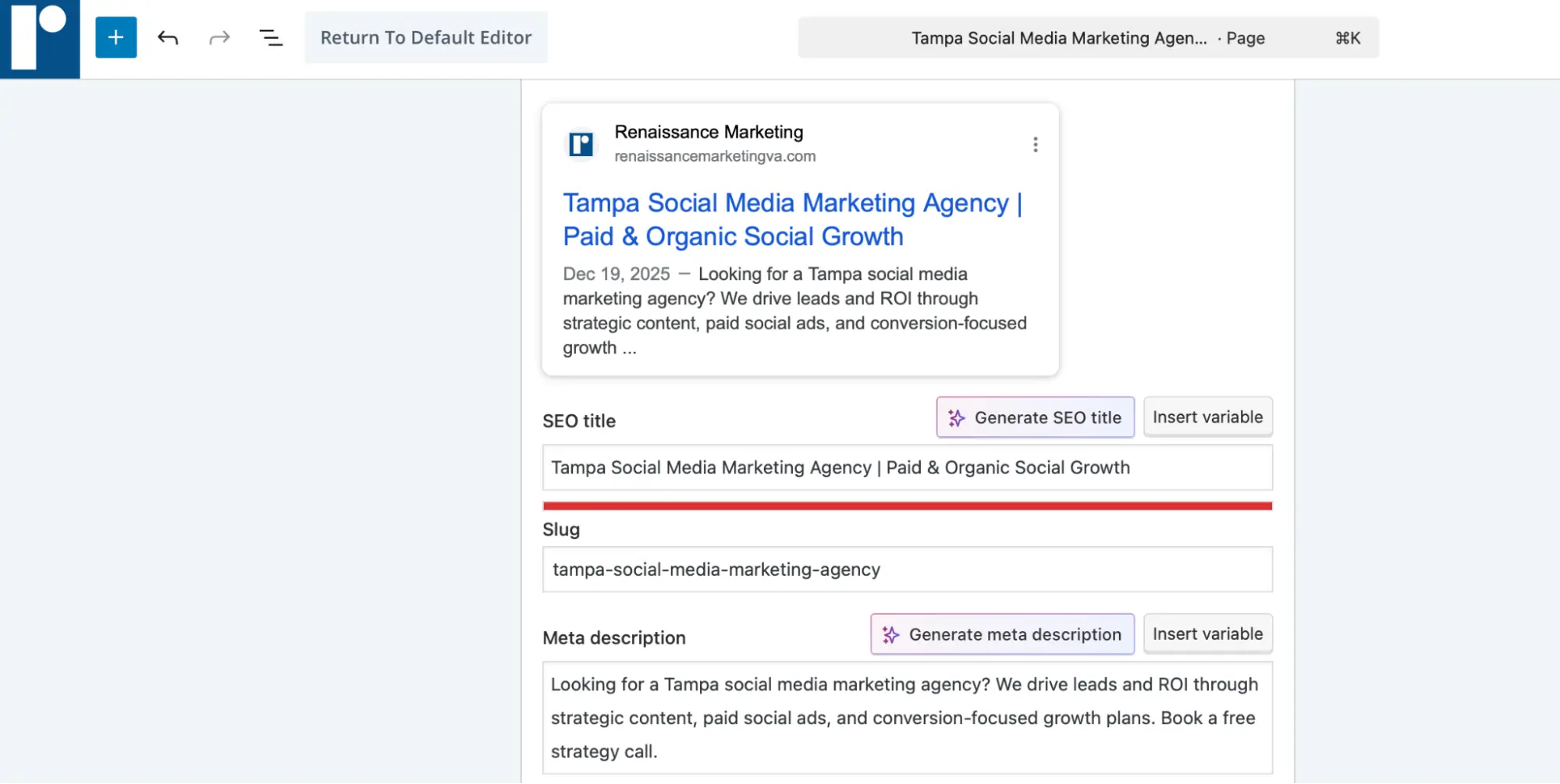
Your meta title and meta description are the first things users see on Google’s results page. They should include your target keyword and encourage users to click through.
Keep the title under 60 characters and the meta description under 155. Focus on clarity over cleverness.
5. Ensure Mobile-Friendly Design
Most Google searches happen on mobile devices. If your website isn’t optimized for smartphones and tablets, it could get penalized in search rankings.
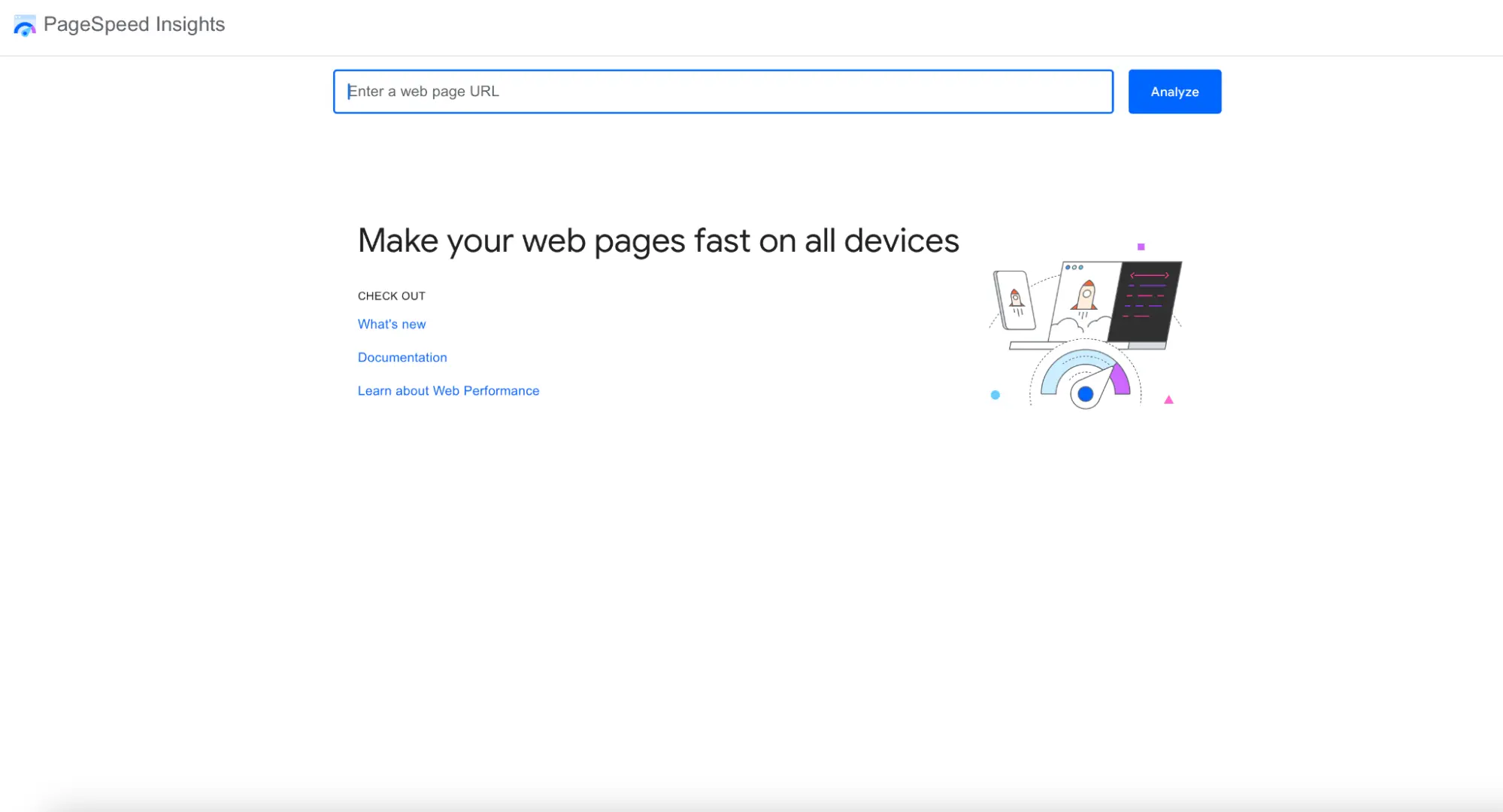
Use Google’s Page Speed Insights to check your site. A responsive design that adapts to all screen sizes is essential in 2026.
6. Highlight Your Local Presence
If you operate a local business, make sure your website supports local SEO. That means:
- Creating or claiming your Google Business Profile
- Including your business name, address, and phone number (NAP) consistently across the web
- Using location-based keywords such as “Tampa Cleaning Service”
- Encouraging customers to leave Google reviews
These steps help you show up in local map packs and organic search results.
7. Build Quality Backlinks
Google sees backlinks as votes of confidence. The more high-quality websites that link to yours, the more trustworthy your site appears.
You can earn backlinks by guest posting, getting featured in directories, joining local partnerships, or publishing original content that people want to reference. Avoid buying links or using shady tactics, as they can harm your rankings.
8. Strengthen Your Internal Link Structure
Internal links help Google crawl your site efficiently and guide users to your most important content.
Make sure each blog post links to relevant service or product pages. Use descriptive anchor text that includes your target keywords where appropriate. Be sure to keep your navigation simple and intuitive.
9. Improve Site Speed and User Experience for Better Indexing
Google prioritizes websites that load quickly and offer a smooth user experience. You can improve site performance by:
- Compressing images
- Using clean code and fast hosting
- Removing unnecessary scripts
- Reducing pop-ups and clutter
You can also check your Core Web Vitals using Google Page Speed Insights to see how your site performs.
How much time does it take for Google to index a page?
Once your site is submitted and ready, Google can index a page in as little as 4 to 48 hours. For new websites or updates to larger sites, it may take a few days to a few weeks to see results.
To speed up indexing, keep publishing valuable content, build backlinks, and use Google Search Console to submit updated URLs.
Get Your Website on Google with Renaissance Marketing
Are you ready to show up on Google without doing all of the work listed above? We can do it for you! Learn more about our SEO services today, and click here to book your discovery call to get started.
Frequently Asked Questions: Getting Your Website on Google
Do I need to submit my website to Google manually?
Not necessarily. Google can find your site on its own, but submitting it manually through Search Console is faster and gives you better visibility into how Google sees your site.
How can I rank my website on the first page of Google search results?
To rank well, focus on creating useful, keyword-optimized content, building backlinks, and maintaining a technically sound, fast-loading site. A strong SEO strategy takes time but delivers long-term results. If you’re ready to invest in a marketing team that specializes in SEO, click here.
Why isn’t my content-rich, online-only business appearing in Google searches?
If your content isn’t showing up, it could be due to poor indexing, technical issues, low authority, or lack of keyword optimization. Start with an SEO audit to pinpoint the issue.
How does schema markup impact search engine optimization (SEO)?
Schema markup adds context to your pages, helping search engines understand your content. This can increase your chances of showing up in rich snippets like FAQ boxes, reviews, and event listings. If you need assistance with SEO, check out our SEO offerings here.
What are the free options for publishing a website online?
Free platforms like Wix, WordPress.com, and Google Sites allow you to launch a basic site, but if you want to grow your business, your options will be very limited. For full SEO control and long-term growth, consider moving to a self-hosted platform.